Websites errors or URLs that do not return a 200 status leads to bad web performance. It not only has a negative effect on UX but also on GoogleBot hits, crawling budget, and SERPs ranking position. Having in mind that you’re continually adding new content to your site, it is vital to launch regular audits to check there are no errors.
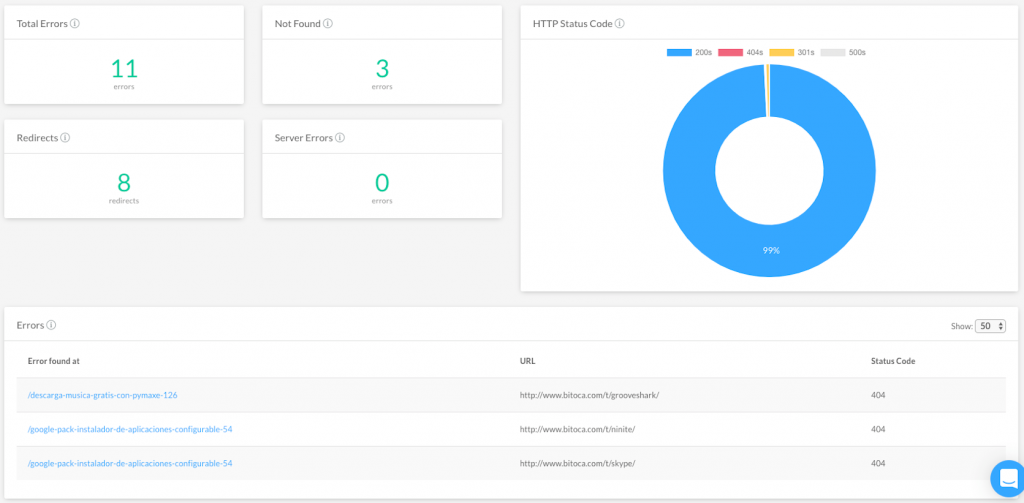
Identify crawling errors
Ensure that you don’t have any issue on your website affecting the crawls of search engine robots. Crawling your site with FandangoSEO, you’ll be able to quickly detect any broken links, internal server errors, or HTTP errors. Obtain a complete list of URL returning a 4xx, 3xx, or 5xx status code.
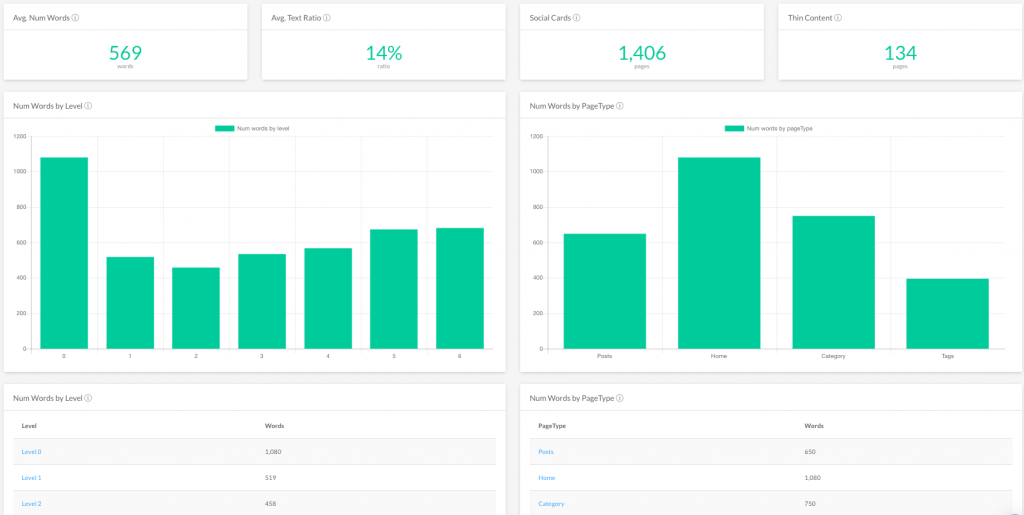
Find out content issues
When errors related to content are found, search engines may consider your site as a poor quality website. Make sure that you don’t have any duplicated or thin content. It is also important to double-check that meta descriptions, titles, headers, anchor texts, etc. have been elaborated adequately. This effort will help your content to be evaluated as high-quality by search engines.
Log Analysis to detect website errors
By analyzing the log files of your server, you can see how search engine bots interact with your site. This analysis also permits to find out if GoogleBot struggles to crawl your site.